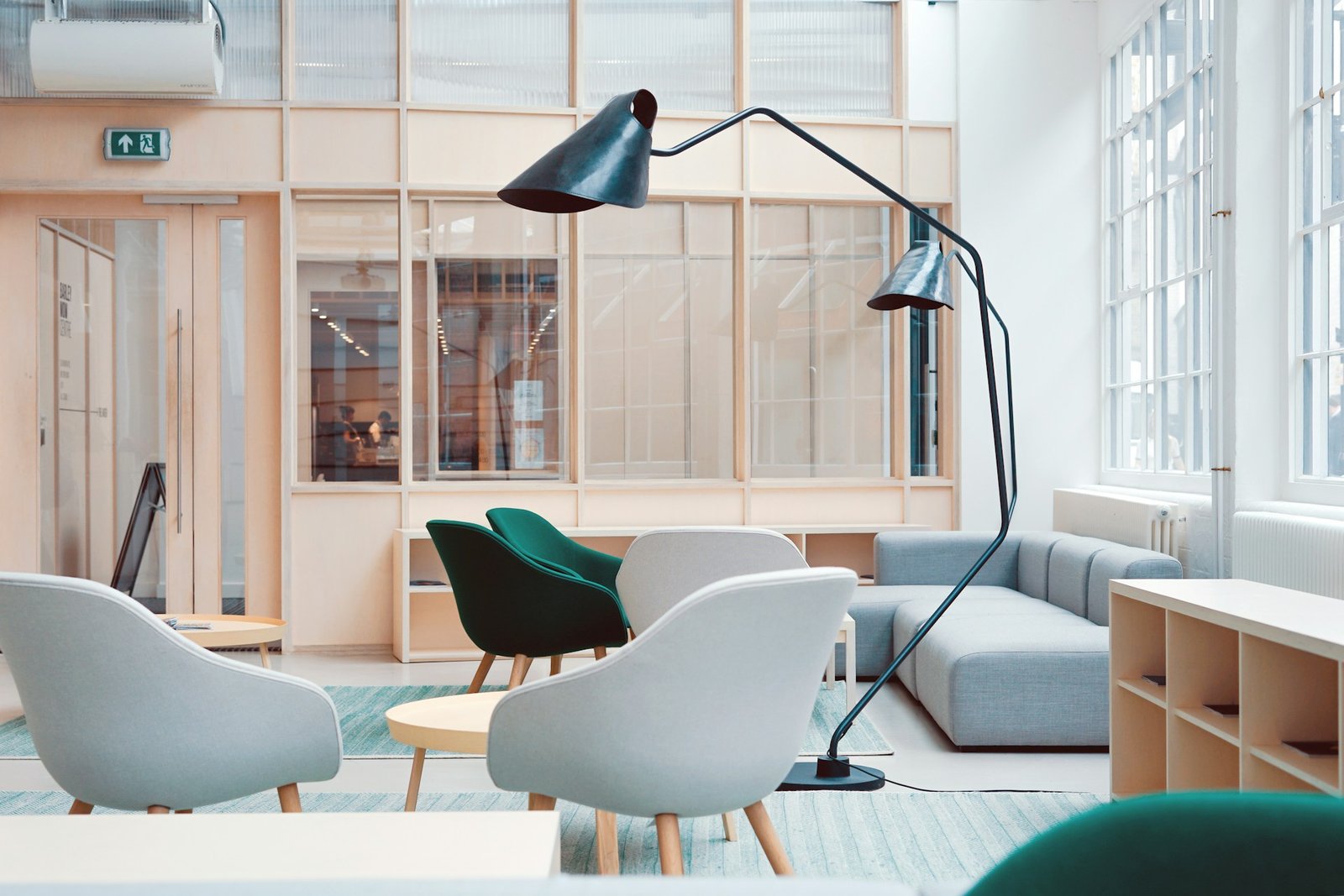
Office furniture affects far more than appearance. The wrong chair can be difficult to adjust, an oversized desk can block circulation and poorly planned storage can turn useful floor area into clutter. For a growing business, furniture should support the work being performed, fit different users and remain practical when the team changes.
This Office Furniture Selection Guide explains how to evaluate chairs, desks, workstations, meeting tables, storage and reception furniture before purchasing. It is written for businesses planning Office Interior Design in Lucknow, where space, budget, local availability, delivery access and future expansion all influence the final selection.
| Quick answer Choose furniture only after the layout, headcount and work activities are clear. Prioritize adjustability, lumbar support, leg clearance, cable management, durable hardware and modular dimensions. Test chairs with actual users, confirm furniture measurements on the floor plan and compare warranty, service and replacement availability not price alone. |
Why Ergonomics Should Come Before Style
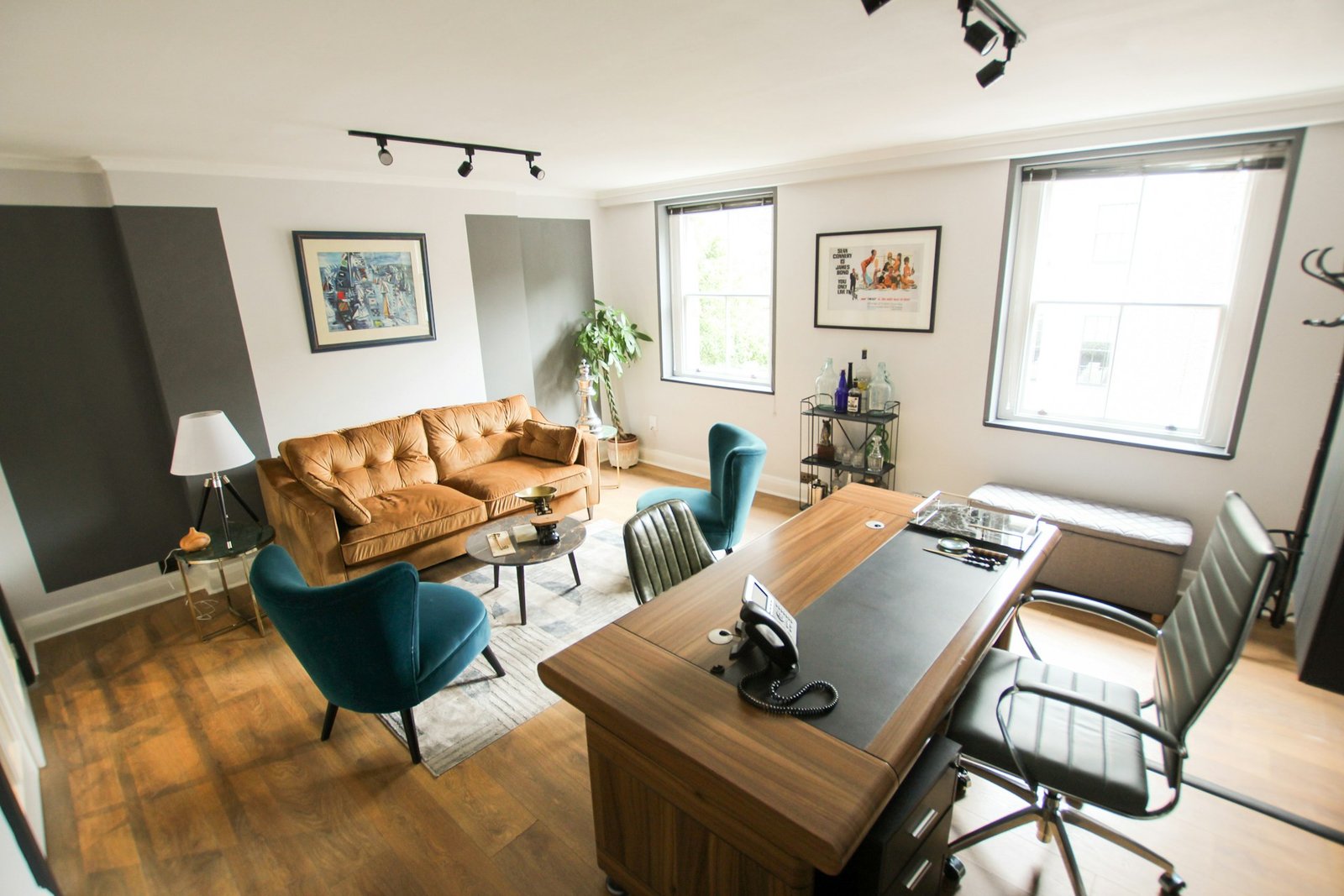
Ergonomics means fitting work tasks, equipment and the workspace to the people using them. A workstation should allow employees to work without repeated over-reaching, twisting or unsupported postures. The US National Institute for Occupational Safety and Health notes that well-designed office environments should help workers avoid awkward postures and excessive reaching.
There is no single perfect posture or furniture specification for everyone. Adjustability matters because people have different heights, tasks and equipment. OSHA’s computer-workstation guidance recommends supporting the lower back, keeping shoulders relaxed, positioning elbows close to the body, keeping wrists aligned with the forearms and supporting the feet on the floor or a stable footrest.
1. How to Choose an Ergonomic Office Chair
Chairs are usually the most important furniture purchase because employees may use them for much of the working day. Do not select a chair only from photographs or a short showroom sit. Ask users of different heights to test the controls and confirm that the chair remains comfortable while typing, speaking on calls and changing posture.
| Chair feature | What to check | Why it matters |
| Seat-height adjustment | Feet can rest flat or on a stable footrest | Supports different users and desk heights |
| Lumbar support | Backrest supports the lower back without forcing posture | Helps maintain comfortable back support |
| Seat depth | User can sit back while retaining comfortable clearance | Avoids pressure behind the knees |
| Armrests | Adjust without lifting shoulders or blocking the desk | Supports relaxed arms and closer desk access |
| Base and casters | Stable base; casters suit carpet or hard flooring | Improves stability and safe movement |
| Controls | Easy to identify and operate while seated | Adjustability only helps when users can use it |
OSHA’s purchasing checklist also recommends trying a chair for comfort and fit before purchase. For shared workstations, favor simple controls and a wider adjustment range rather than a fixed chair that fits only one employee.
2. Selecting Desks and Workstations
The correct desk is determined by the task, not by a generic catalogue size. List the equipment placed at each seat: monitor, laptop, keyboard, mouse, telephone, files, drawing tools or specialist devices. The work surface should hold frequently used items without forcing the user to stretch or twist.
OSHA recommends sufficient desk depth for a monitor to be placed at least 20 inches from the eyes, along with enough space under the surface for the legs and feet. It also recommends matte work surfaces to reduce glare and rounded or sloping leading edges where arms contact the desk. These are useful selection principles rather than substitutes for a user-specific ergonomic assessment.
Individual desks or bench workstations?
| Option | Best suited to | Selection considerations |
| Individual desk | Managers, confidential work and roles needing equipment | Consumes more space; confirm storage and cable routes |
| Bench workstation | Startups, agencies and collaborative teams | Efficient footprint; manage noise, privacy, power and monitor placement |
| Height-adjustable desk | Users who benefit from changing working position | Check stability, adjustment range, controls, wiring and budget |
| Hot desk | Hybrid or rotating teams | Use easy adjustments, shared storage rules and docking equipment |
3. Monitor, Keyboard and Laptop Accessories
Furniture selection should include the accessories that make the workstation adjustable. A monitor arm or adjustable stand can help place the main display directly in front of the user, with the top of the screen at or slightly below eye level. Multiple-monitor users need enough desk depth and a clear primary-screen position.
For employees using laptops for extended periods, OSHA recommends an external keyboard and input device so the screen and hands can be positioned independently. A docking station, laptop stand and compact keyboard may therefore be more useful than spending extra on a visually impressive but non-adjustable desk.
Read also: Cost of Office Interior Design in Lucknow: Price Breakdown & Checklist
4. Meeting and Conference Furniture
Begin with the number of people who genuinely attend regular meetings. An oversized boardroom table can consume valuable floor area and remain empty most of the week. Small offices may benefit from a flexible meeting table, stackable chairs or modular tables that support interviews, training and project reviews.
- Confirm clear access to seats without blocking doors, storage or presentation walls.
- Provide table-level power or cable access when laptops are used regularly.
- Choose finishes that tolerate frequent cleaning and everyday movement.
- Check chair width and table-leg positions before calculating seating capacity.
- Plan the screen, camera and lighting position before ordering the table.
5. Storage That Supports the Actual Work
Storage should be based on what the business keeps, how often it is accessed and how long it must be retained. Full-height cabinets can save floor area, while mobile pedestals keep personal items close to workstations. Lockable storage may be necessary for HR, finance, legal or client records.
Avoid filling the office with cabinets before reviewing document processes. Digitizing appropriate records, centralizing shared supplies and removing duplicate storage can reduce furniture cost. Where tall storage is used, confirm stability, safe installation and access to building services.
6. Reception and Visitor Furniture
Reception furniture should match actual visitor volume. A compact counter with concealed storage, two supportive visitor chairs and one clear branding element may be enough for a small business. Client-facing firms can invest in better upholstery and finishes, but the waiting area should not reduce workstation capacity or block circulation.
Read also: Office Interior Design Trends for Lucknow Businesses
Office Furniture Space Planning Tips
Furniture dimensions must be tested on the office plan before ordering. Include the space required to pull out chairs, open drawers and cabinets, approach doors, access equipment and move between work areas. Building, fire-safety and accessibility requirements vary, so final circulation and egress should be verified for the actual property.
| Planning step | Action |
| Measure the shell | Record walls, columns, windows, doors, floor levels and existing services |
| Map headcount | Separate fixed seats, shared seats, visitors and realistic future growth |
| List equipment | Record monitor counts, laptops, printers, servers, files and specialist tools |
| Place circulation first | Keep doors, escape routes, service panels and regular movement clear |
| Coordinate services | Align furniture with sockets, data, lighting, HVAC and cable routes |
| Mock up key areas | Mark desk and chair footprints on the floor before bulk ordering |
Office Furniture Selection by Business Type
| Business type | Furniture priorities |
| Startup or agency | Modular benching, mobile storage, flexible meeting table and expansion capacity |
| CA, legal or consulting firm | Supportive seating, confidential storage, client meeting furniture and calm finishes |
| Technology office | Monitor support, cable management, acoustic separation and collaborative areas |
| Clinic or service office | Cleanable finishes, visitor seating, record storage and accessible circulation |
| Retail or field-sales office | Compact back office, durable desks, team storage and practical meeting space |
Office Furniture Costs in Lucknow
Furniture pricing varies by size, board material, upholstery, hardware, customization, quantity, delivery and warranty. Lucknow Interio’s existing office-cost guide provides indicative planning ranges of ₹8,000–₹18,000 per workstation, ₹4,000–₹15,000 per ergonomic chair and ₹500–₹1,500 per sq. ft. for modular storage. These ranges should be rechecked against current vendor quotations before publication or purchase.
| Budget priority | Spend more when | Save carefully when |
| Task chairs | Seats are used throughout the working day | Visitor chairs have shorter, occasional use |
| Workstations | Heavy equipment, frequent reconfiguration or long service life is expected | A standard modular size supports the task |
| Storage | Documents require security, durability or specialized dimensions | Standard modules meet the requirement |
| Meeting furniture | Clients visit frequently or technology is integrated | The room is used occasionally and can remain flexible |
Office Furniture Buying Checklist
- Confirm the approved layout, headcount and future expansion plan.
- Test task chairs with employees of different heights and roles.
- Check adjustment controls, lumbar support, armrests, base and casters.
- Verify desk depth, work-surface area, leg clearance and edge finish.
- Coordinate monitor arms, laptop stands, keyboards and docking equipment.
- Check cable trays, floor boxes, sockets and data routes before installation.
- Open every drawer, shutter and cabinet on the layout to test clearance.
- Compare material specifications, hardware brands, warranty and service support.
- Confirm delivery access, assembly, packaging removal and damage replacement.
- Request one sample workstation or mock-up before ordering in bulk.
How to Compare Furniture Products Online
Online product lists can help businesses compare options, but price and star ratings are not enough. Create a standard comparison table for adjustability, dimensions, user weight range where stated, materials, warranty, return policy, assembly, replacement parts and service availability in Lucknow. Verify the seller and current terms before recommending or purchasing a product.
If affiliate links are added to this guide, place a clear disclosure before the first affiliate link. Recommend products because they meet the published selection criteria, not because they pay a higher commission. Prices and availability should be checked regularly, and unsupported medical or productivity claims should be removed.
Why Work With an Office Interior Designer in Lucknow?
An Office Interior Designer in Lucknow can coordinate furniture with the complete layout, electrical plan, lighting, storage, branding and circulation. This reduces the risk of purchasing desks that do not align with power points, chairs that cannot move comfortably or cabinets that block access.
Before appointing a provider for Office Interior Design in Lucknow, ask for furniture layouts, specifications, samples, itemized pricing, warranty information and installation responsibility. Bulk furniture should be approved only after dimensions and finishes are checked against the actual site.
Read also: Office Interior Design Trends in Lucknow for Productivity
Plan Your Office Furniture With Lucknow Interio
Furniture works best when it is selected as part of the complete office plan. Lucknow Interio can help evaluate your team requirements, prepare a space-efficient layout and coordinate furniture, storage, electrical points and finishes around the available area and expected budget.
Call “8800127922” or email “contact@lucknowinterio.com” to request an office site consultation and customized quotation for Interior Design in Lucknow.
Frequently Asked Questions
What is the ideal office desk for computer work?
Choose a stable desk with enough depth for comfortable monitor placement, sufficient work surface for the keyboard and mouse, clear leg space and a matte finish that limits glare. The best dimensions depend on equipment, user needs and available space rather than one standard catalogue size.
How far should a monitor be from the user?
OSHA’s workstation purchasing guide recommends enough desk depth to place a monitor at least 20 inches from the eyes. Display size, eyesight and task can affect the comfortable distance. The main monitor should be directly in front, with height and tilt adjusted for the user.
Is modular office furniture suitable for startups?
Yes. Modular furniture can support changing team sizes and makes future reconfiguration easier. Before purchasing, check the module dimensions, cable management, replacement availability and whether additional units can be sourced later. Flexibility should not come at the cost of stability, comfort or adequate work surface.
How much does office furniture cost in Lucknow?
Indicative local planning ranges include approximately ₹8,000–₹18,000 per workstation and ₹4,000–₹15,000 per ergonomic chair, with customization and specifications affecting the final amount. Request current itemized quotations covering materials, hardware, delivery, installation, warranty and taxes before deciding.
Should every employee receive the same chair and desk?
A consistent furniture system can simplify procurement, but adjustments should accommodate different users and tasks. Employees using multiple monitors, drawing equipment or shared desks may need different accessories or dimensions. Test representative users and roles before approving a single configuration for the whole office.
How can office furniture save space?
Use modular bench workstations, vertical storage, mobile pedestals, compact reception furniture and flexible meeting tables. Select furniture only after mapping circulation and opening clearances. Avoid oversized executive desks or cabinets that consume floor space without serving an essential daily function.
Should I buy office furniture online or through a local vendor?
Online buying can improve comparison and variety, while a local vendor may simplify testing, measurement, installation and after-sales service. Compare specifications, warranty, returns, replacement parts and total delivered cost. For bulk orders, approve a sample or mock-up before purchasing the entire quantity.